

Project Overview
The Problem
Freight Farms operators needed to monitor and manage highly complex farm systems, often without being physically present at the farm. The existing tools weren't built for that reality. Managing crops, sensors, and growing conditions required a level of technical knowledge that created a steep barrier for everyday users.
The Goal
Design a mobile app that gave farm operators full visibility and control over their farms from anywhere, without requiring a background in agriculture or the underlying technology. The app needed to make complex systems feel simple without stripping away the depth that serious operators needed.
Challenges
Domain complexity. Hydroponic farming inside a shipping container involves a lot of moving parts — sensors, climate systems, growing recipes, calibration cycles. I came in with no background in any of it. Getting to a place where I could design confidently meant spending real time with subject matter experts and visiting farms in person to see how everything actually worked.
Designing for a wide range of users. Freight Farms' pitch is that anyone can farm, and the app had to live up to that. Operators ranged from first-time growers to technically sophisticated users who wanted depth and control. The design couldn't feel dumbed down for the experienced users or overwhelming for the newcomers.
Lead Designer
My Role
Team
PM
The Design Sprint
The project kicked off with a formal five-day Design Sprint. Working alongside a PM, a second designer and sprint facilitator. The sprint gave us a structured way to align on the problem, explore solutions, and put something real in front of users.
The sprint focused on one specific, high-priority problem: a dashboard that let farm owners monitor the status of their crops and farm systems remotely. On the final day we tested with real users, validating our direction and surfacing what needed to change before moving into full product design.
With the sprint foundation in place, I continued as solo designer to bring the full app to life. That meant extending the dashboard and designing a complete set of features around it.
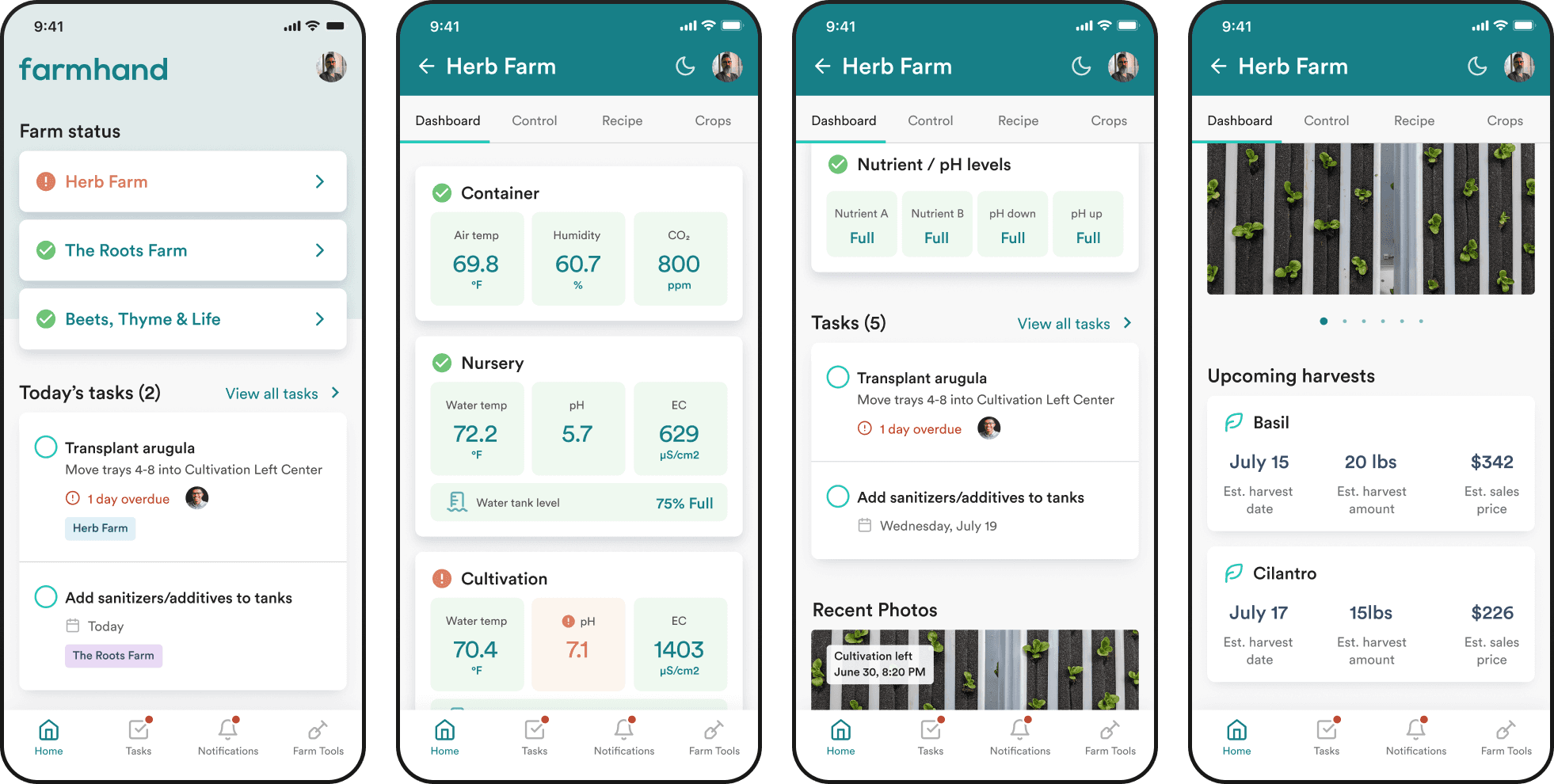
The sprint made one thing clear: operators are always keeping an eye on their farm. The dashboard was designed around that behavior, leading with the information people checked most — environmental levels like air temperature, humidity, pH, and CO2 — with a clear visual indication of whether anything was off. At a glance, users could tell if their farm needed attention without digging into anything.
As a second priority, the dashboard surfaced pending tasks so nothing fell through the cracks.
Control, Recipes, and Crops

Sensor Calibration
Calibrating farm sensors was one of the most persistent pain points for farm operators. Each sensor (air temperature, humidity, CO2, pH, EC, and others) had its own calibration process with its own set of steps and tools. It was technically complex, poorly documented, and something users dreaded.
I spent significant time with subject matter experts to fully understand how each calibration worked before attempting to design for it.
Because calibration requires being physically inside the container, we thought carefully about the environment users were actually in. Screens were designed large and easy to read from a distance, accounting for users who might be standing back from their phone, wearing gloves, or working with wet hands. The app was also set to prevent the screen from going to sleep mid-process — a small detail that would have been a significant frustration.
Before starting each calibration, users were shown exactly what tools they'd need, so there were no surprises once they started the process. Every step was written in plain language, with links to the farmhand knowledge base for anyone who wanted more info. And because operators often needed to run multiple calibrations back to back, we built in quick paths to remaining calibrations as soon as one was completed.


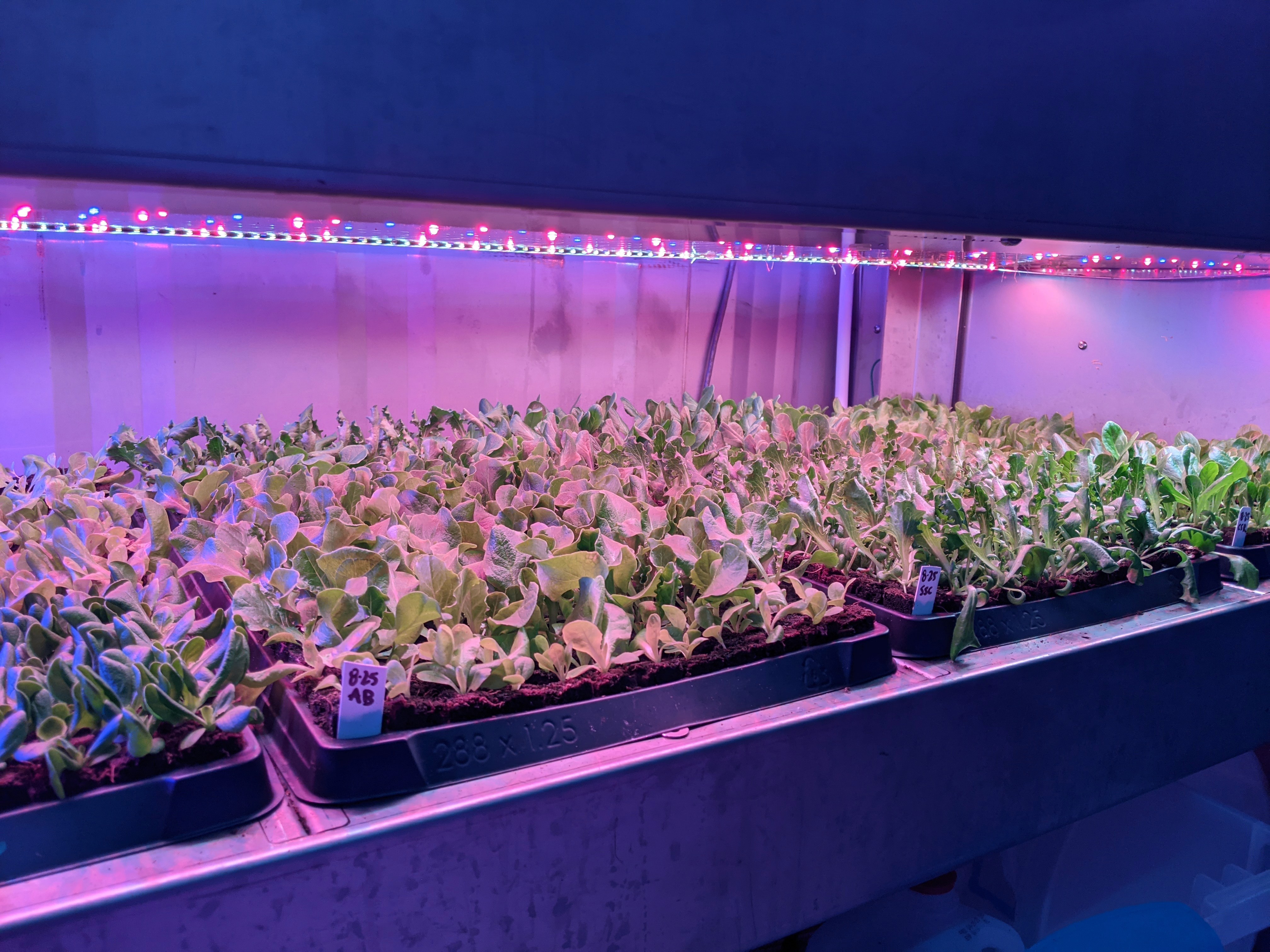

Farm operations run on coordination. The app gave operators the ability to create and assign tasks directly, keeping teams aligned without relying on external tools. Built-in tasks from Freight Farms were also included, surfacing recommended recurring actions based on where crops were in their growth cycle so nothing important got missed.

Outcomes
Launched on the App Store
Translated highly complex farm systems into a mobile experience accessible to operators of any background
Reduced a major user pain point in sensor calibration to a simple, guided step-by-step flow
Delivered a full-featured app spanning farm monitoring, crop tracking, custom growing recipes, task management, and notifications